
Lily followed the silver path into the moonlit garden.

Turn an idea, outline, or draft into a polished book—with guided writing, consistent characters, beautiful illustrations, and publishing-ready files in one Studio.
Lily followed the silver path into the moonlit garden.
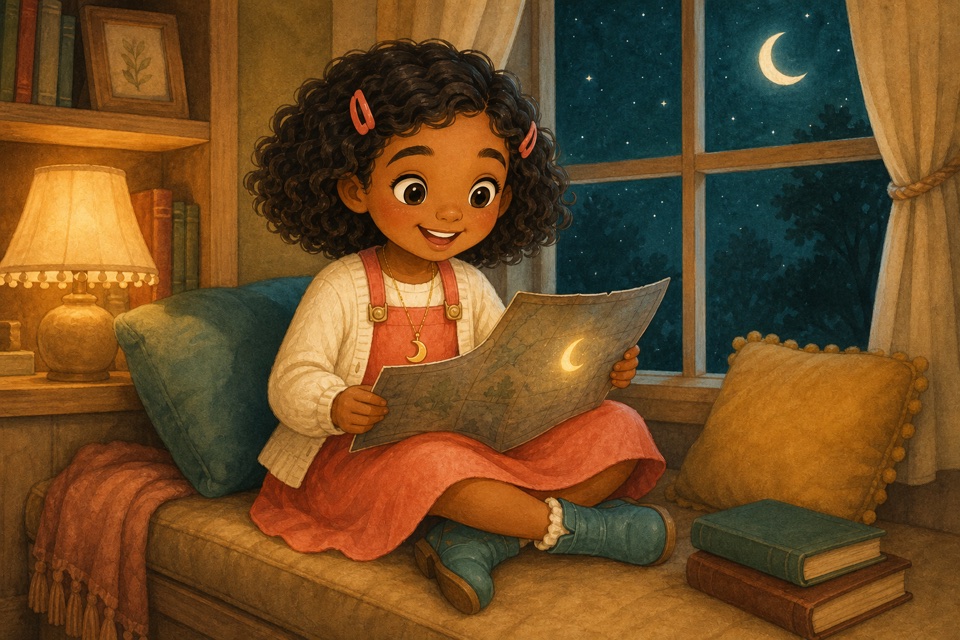
By the window, she opened the map and found one final clue.
Approve a character sheet once, then use it as the visual source of truth throughout your book. Refine an image without losing the character readers recognize.
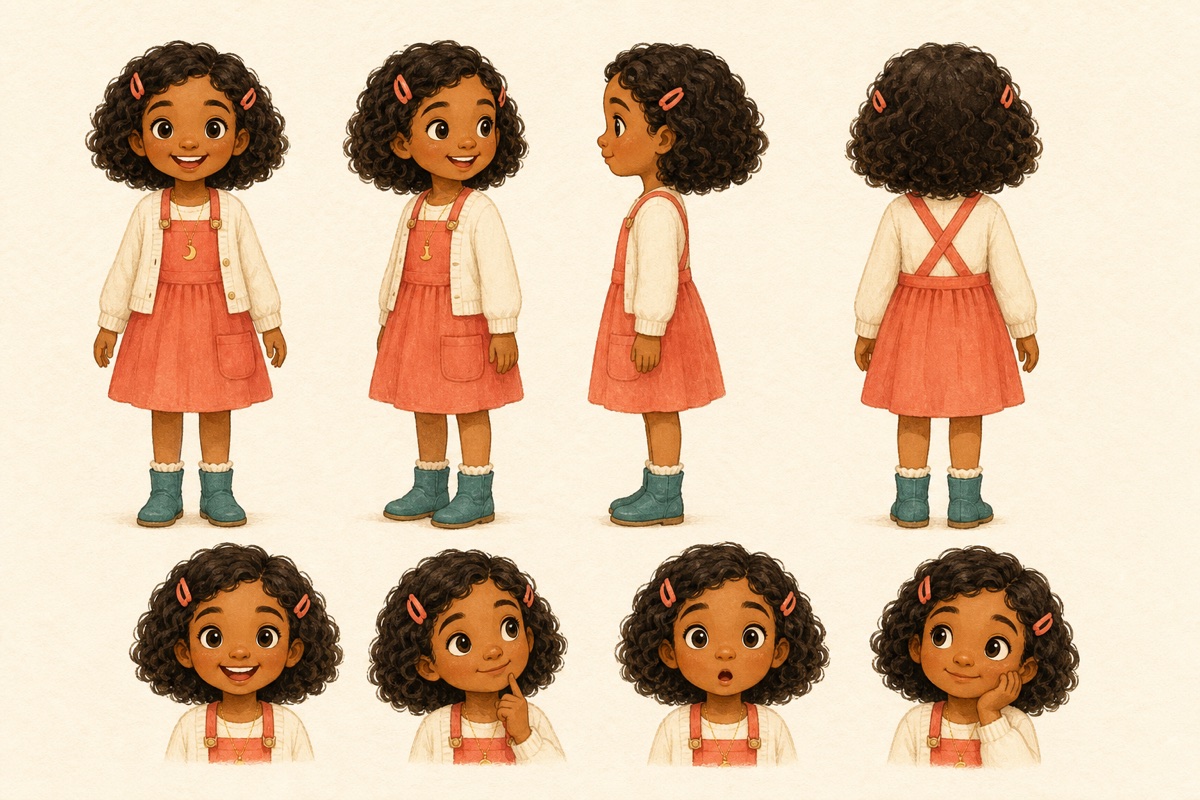
One approved design, documented from every angle and ready for every scene.
Everything stays connected, so you can focus on the story instead of stitching together separate tools.
Bring an idea, outline, or manuscript. Build a blueprint for the reader, format, pacing, and page goal.
Draft in a visual workspace, improve selected text with AI, and keep your original source material close.
Create approved character sheets, write scene briefs, and review or refine every generated image.
Check image quality and page readiness, then create print, digital, cover, or original-image files.
Generate a blueprint, improve a passage, or develop a scene without handing control of the whole book to AI.
See writing, scene direction, approved art, and revision candidates together for every page.
Create KDP-compatible interiors and full-wrap covers, digital reading PDFs, and original-resolution image bundles.
Review resolution, page structure, covers, and print settings before export. Choose the dimensions in Book Details once, and the Studio prepares the matching format.
Compare publishing optionsStart one short book with limited AI tools and a watermarked preview.
Get 50 AI credits and clean, print-ready exports for one book with one payment.
Get 150 AI credits and clean publishing exports for three books with one payment.
No. Start with a single idea, an outline, or a complete draft. The Studio keeps your starting material editable as the book develops.
Yes. An approved character sheet becomes the canonical visual reference for future scenes. You can review and refine candidates before approving a replacement.
Paid publishing access includes commercial rights and export formats for print and digital use. Always review the requirements of the publishing platform you choose.
No. AI actions are explicit. You choose when to generate, review candidates, and decide what becomes part of the book.
Bring the idea you cannot stop thinking about. StoryBookWriter will help you shape, illustrate, and prepare it for readers.